
Apple updated its iPhone Duo coverage on October 22 to highlight new app experiences from developers. That is encouraging, but the practical buying question is narrower: do your own essential apps behave well across the inner and outer displays?
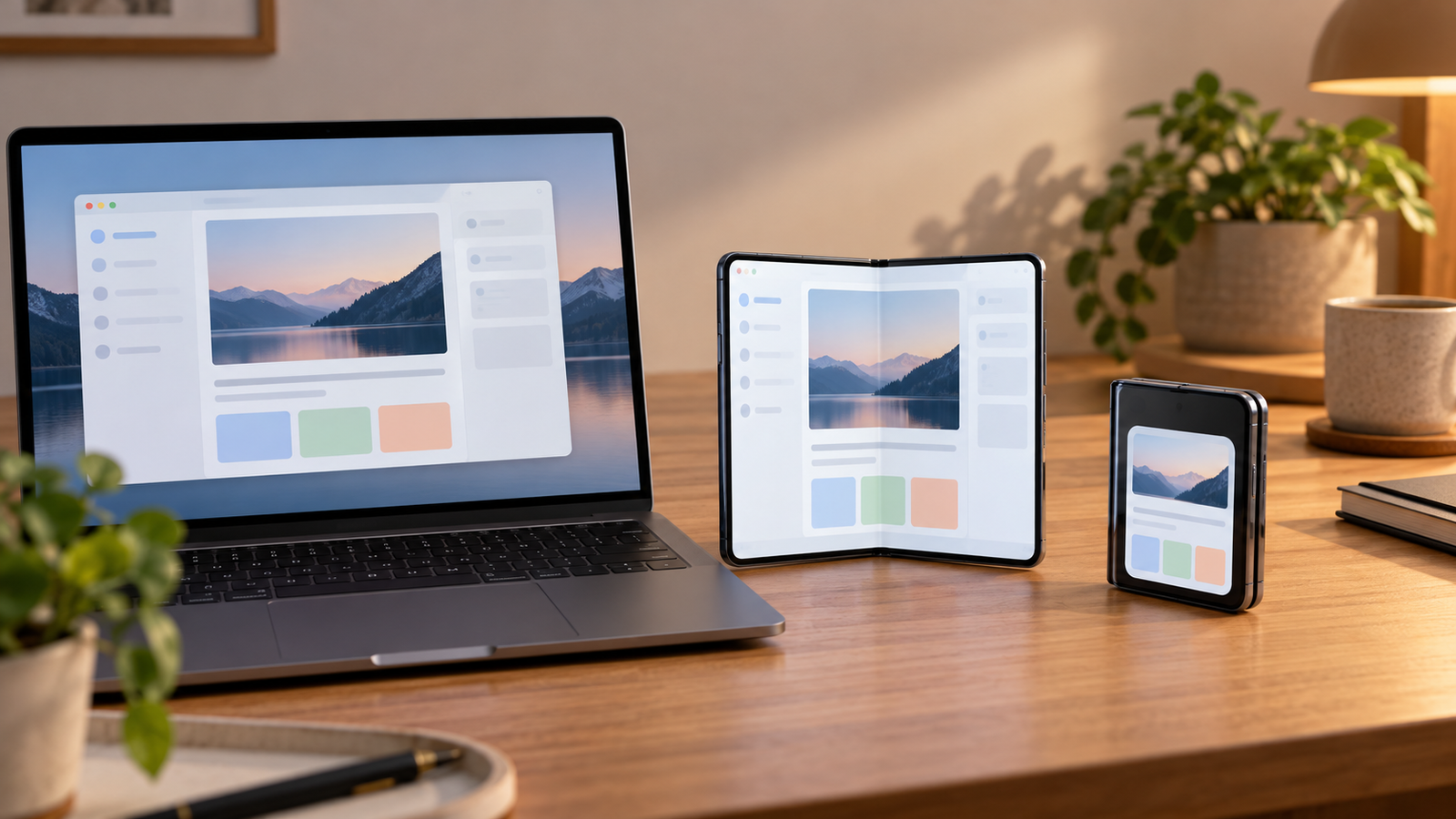
Make a short list of your non-negotiable apps
Start with five to ten apps that you open every week. Include one work tool, one banking or payment app, maps, a messaging app, and any two-factor authentication tool you depend on. Look for confirmed support from the developer or test the app in store if that is available in your market.
The question is not whether a foldable phone can run a calendar. It is whether the calendar, password manager, and travel app you already use behave the way you expect.
Watch for continuity, not just screen size
Open an app on the outer display, then unfold the phone. A good transition preserves the task you were doing. If a shopping search, draft message, or navigation route starts over, the larger screen may create more friction than value.
Try the opposite direction as well. A phone that works well while open but becomes clumsy when closed can be frustrating in a checkout line or while walking to a train. This is particularly relevant for apps with camera uploads, sign-in prompts, or one-time codes.
Check accessories and daily habits
Your case, car mount, charging setup, and preferred wallet can be part of the switch. A new shape may fit a pocket differently or change how you use the phone one-handed. That is a reason to judge it as a daily object rather than a specification sheet.
Apple’s developer news is a useful signal that the app ecosystem is moving. It is not proof that every important app has already caught up. Confirm your own shortlist first, then decide whether the larger display solves a real problem for you.
Source
Apple Newsroom archive lists Apple’s October 22, 2026 iPhone Duo developer update. This article offers a buyer checklist and does not claim hands-on testing.