
App behavior deserves as much attention as the hinge when considering the iPhone Duo. Apple says its first foldable iPhone reached Apple Store locations worldwide on October 23, 2026. Its developer update, published a day earlier, describes apps that move between the outer and inner displays and take advantage of the larger screen. That gives buyers something concrete to investigate: whether their own daily apps make useful use of that space. This is an analysis of Apple’s announcements, not a hands-on review.
What Apple has confirmed
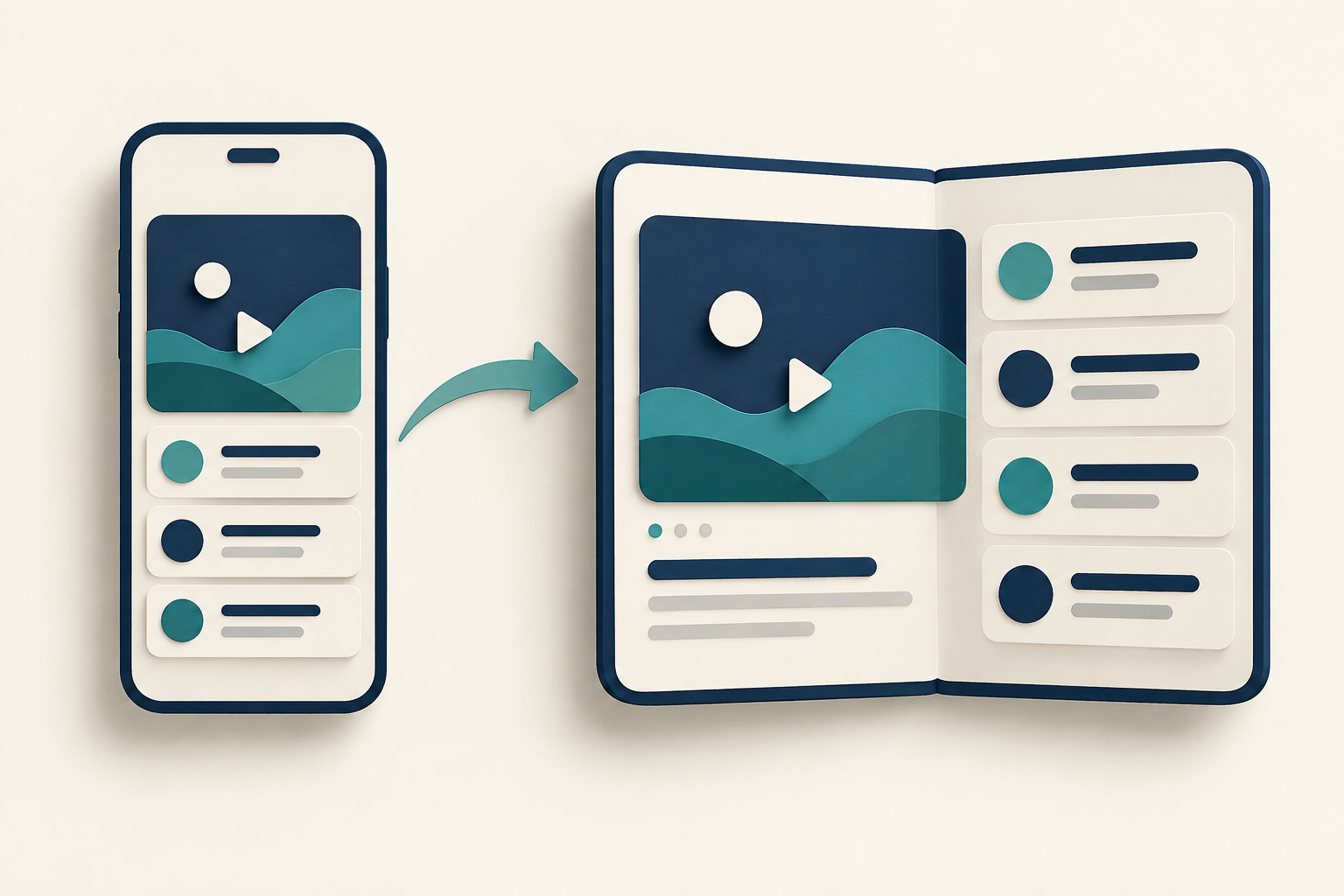
Apple’s October 22 developer update says the inner display is 50 percent larger than the display on iPhone 18 Pro Max. It also says both displays share the same aspect ratio, allowing apps to scale proportionally when moving between them. The announcement identifies A20 Pro and Split View among the capabilities developers can use.
That describes the design and supported features. It does not establish how every app performs, how long the battery lasts in your workload, or whether your preferred layout is comfortable. Those questions need app-specific checks or independent testing. A larger panel is useful only when it makes a repeated task easier.
Look for app-specific changes
Apple describes a Netflix experience in which users browse Clips on the outer display and open the phone to continue watching on the inner display. The distinction matters: this is an example of a named app’s adapted experience, rather than evidence that every app has received equivalent attention.
The company says App Store collections for Duo apps and games arrive on launch day, with more updates throughout the year. It also identifies a Made for iPhone Duo badge on app product pages. Check those listings for the apps you depend on, then review the developer’s current notes. Availability of a badge does not answer every question about subscriptions, supported features, or your own workflow.
Try the transitions you will actually use
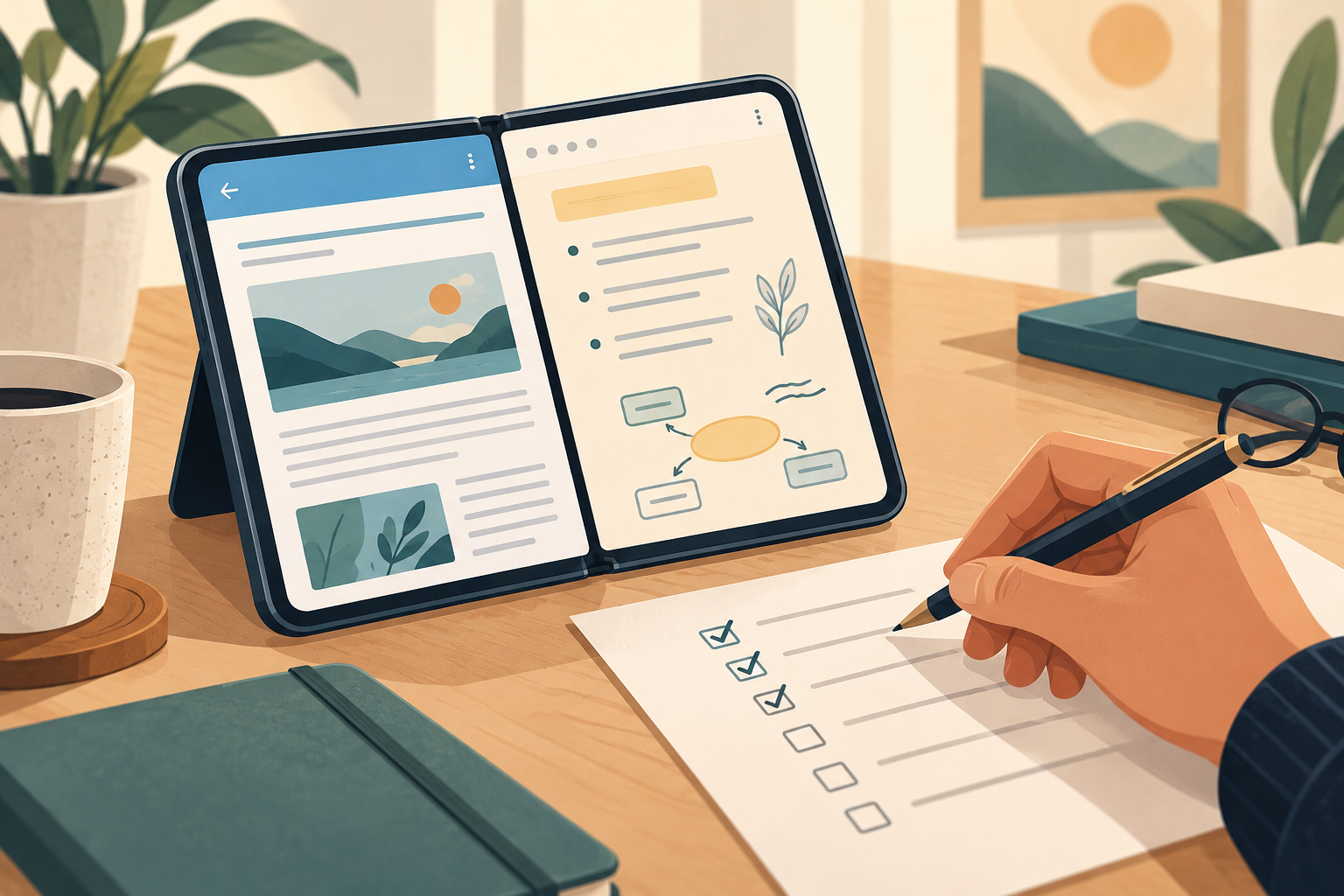
For a store demonstration, bring a short checklist instead of judging only the home screen. Open an app on the outer display, move to the inner display, and see whether your position and controls remain usable. Check text entry, navigation, and the layout you would use while reading or replying to messages.
If side-by-side work is the attraction, ask which of your chosen apps support the intended arrangement. Consider whether opening the phone genuinely reduces switching between screens. These are suggested checks, not results from our own testing. Apple says specialists and in-store demos are available, but local stock and demonstration arrangements should be confirmed with the store.
Decide from your app list, then check the purchase terms
List the five apps you use most and write down one task a larger display could improve in each. If most of those tasks already feel comfortable on your current phone, there is less reason to rush. If reading documents while taking notes is a daily frustration, a demonstration of that exact workflow is more useful than a general specification comparison.
Apple’s launch post mentions trade-in, leasing, installment, and carrier options. Their eligibility and terms vary; the cited announcements do not provide a complete purchase quote for every market. Check the local price, storage option, warranty, repair coverage, and any financing conditions before ordering. The sensible next step is an app-focused demo followed by a complete local quote, rather than assuming a new form factor will improve every task.
Sources
- iPhone Duo arrives at Apple Store locations worldwide — 2026-10-23
- Developers bring incredible new app experiences to iPhone Duo — 2026-10-22
Sources checked October 24, 2026.